Your Stage Keyboard Supercharged
Create setlists, control MIDI parameters, and perform with confidence. The companion app that fills the gaps.
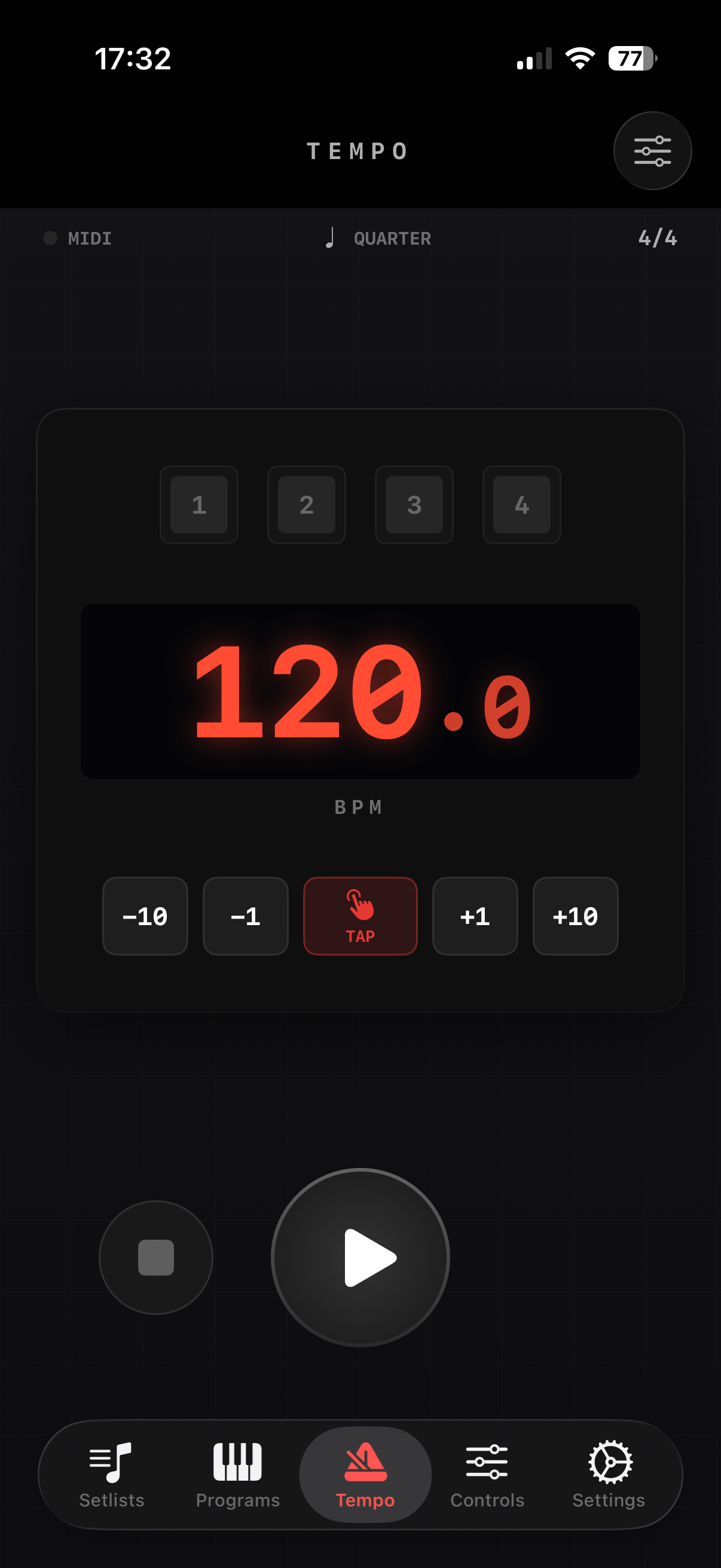
Designed for the Stage
A dark, focused interface that's easy on the eyes under any lighting condition
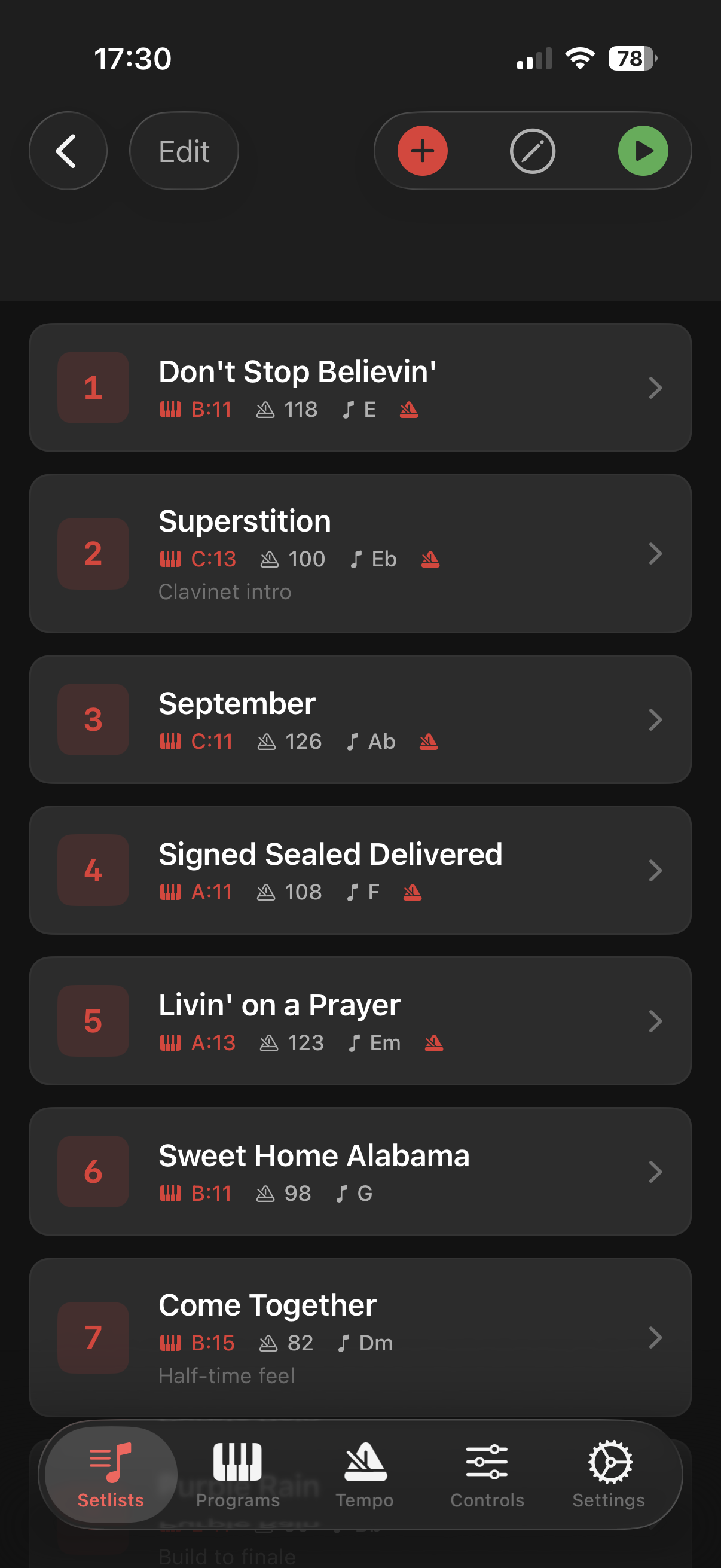
Setlist View
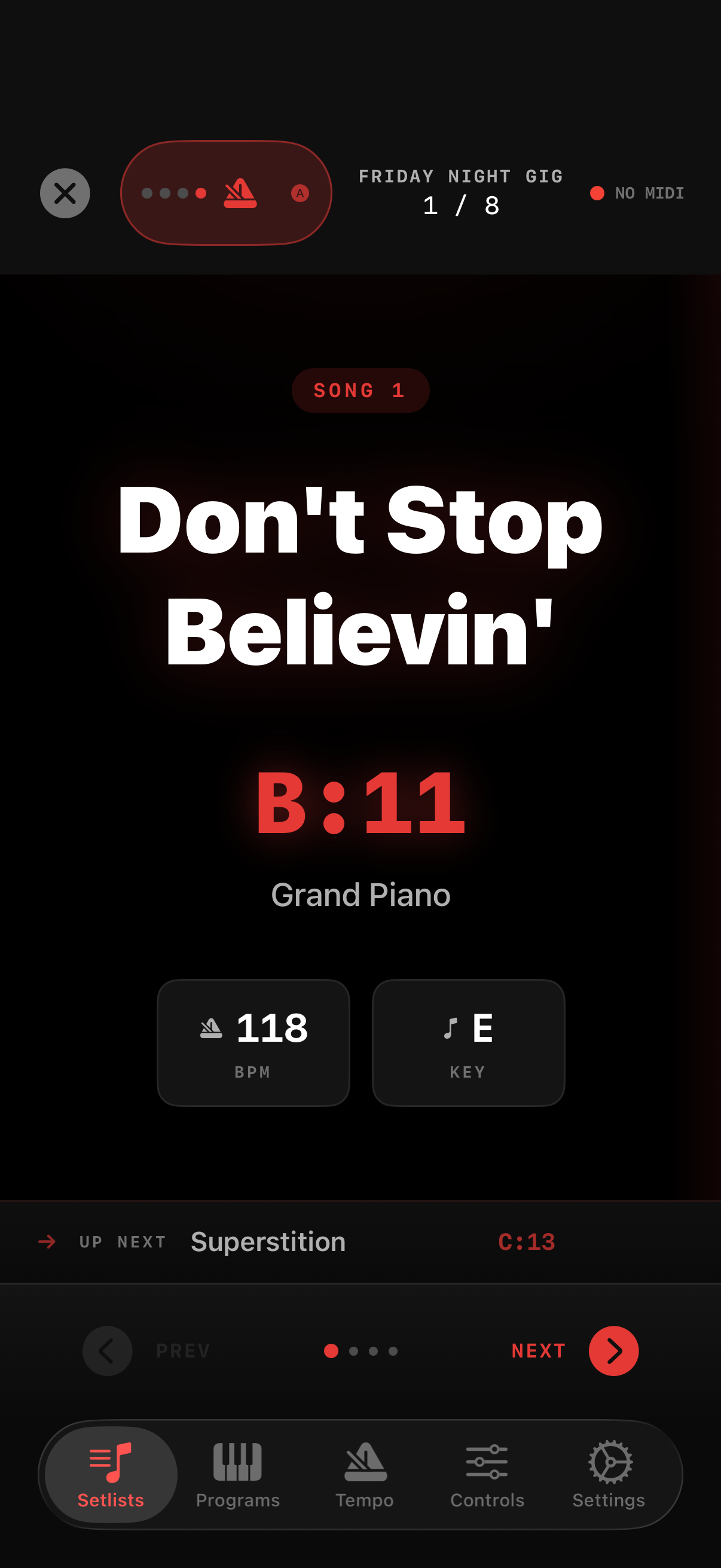
Performance Mode
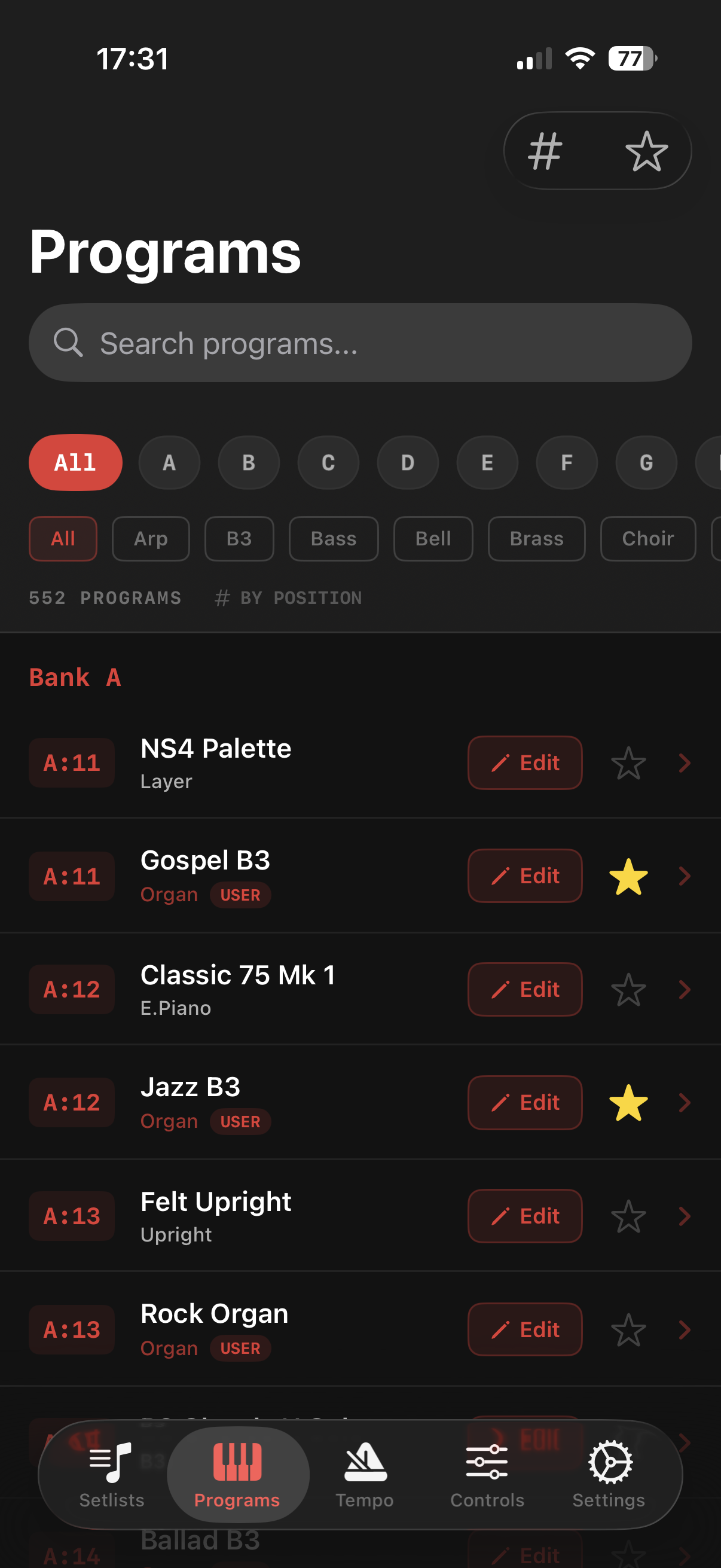
Programs Browser
Tempo & Click
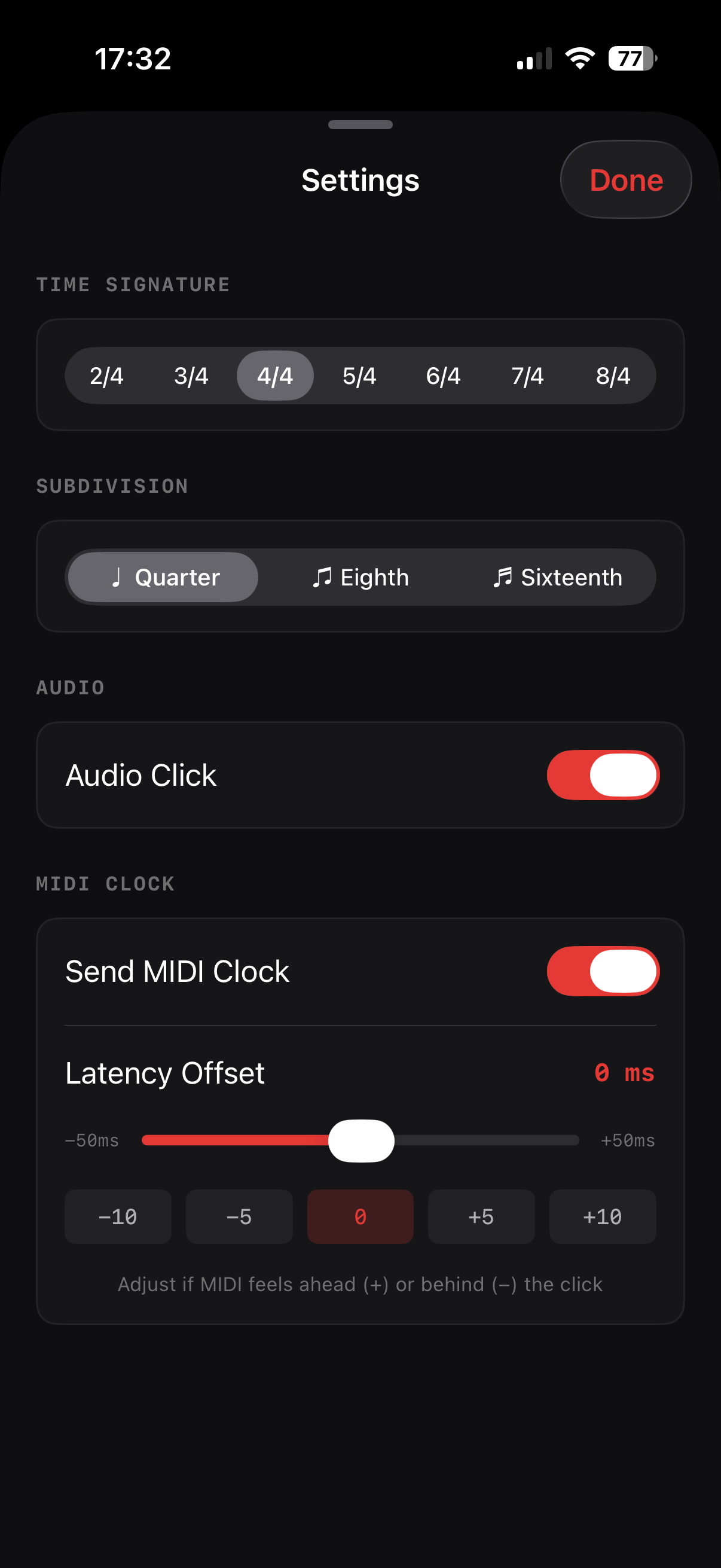
MIDI Clock Settings
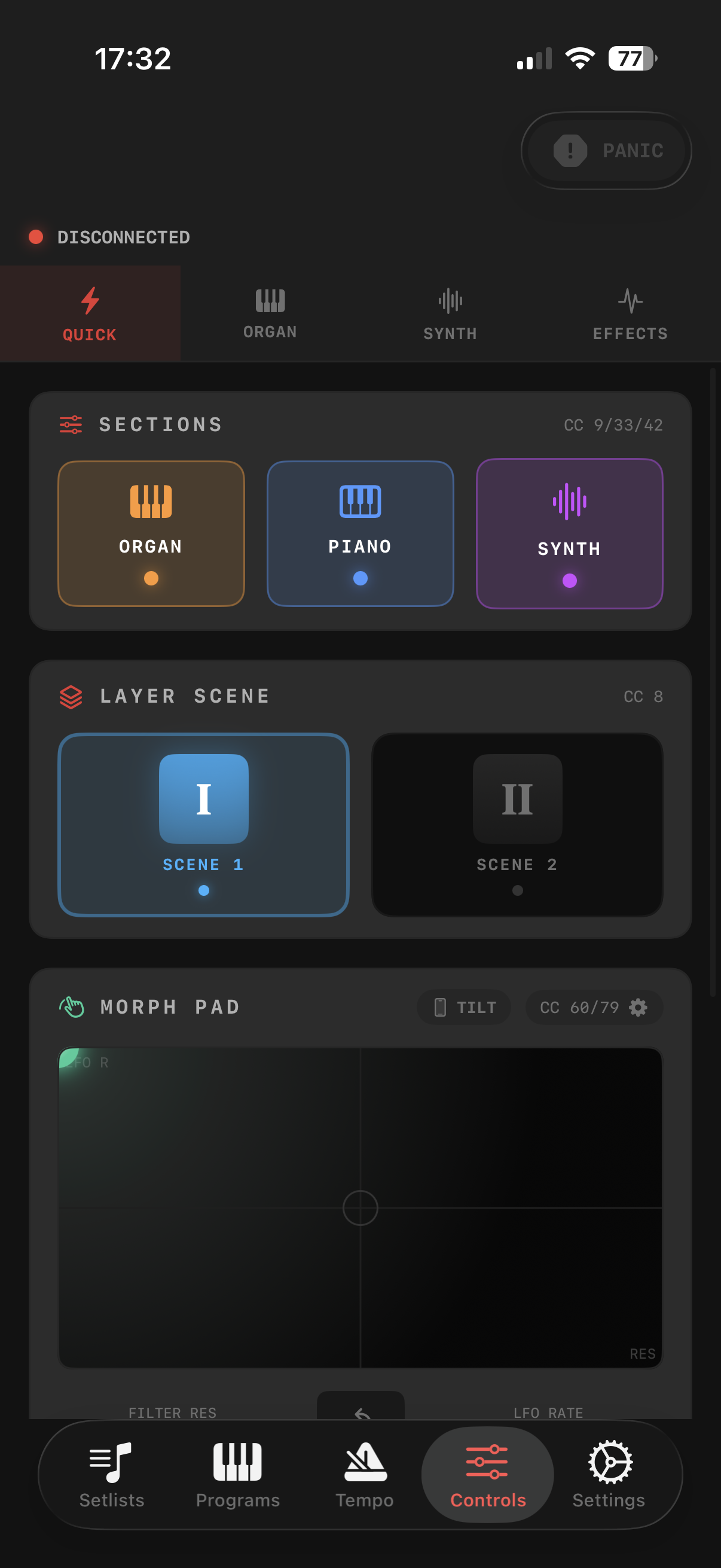
Quick Controls
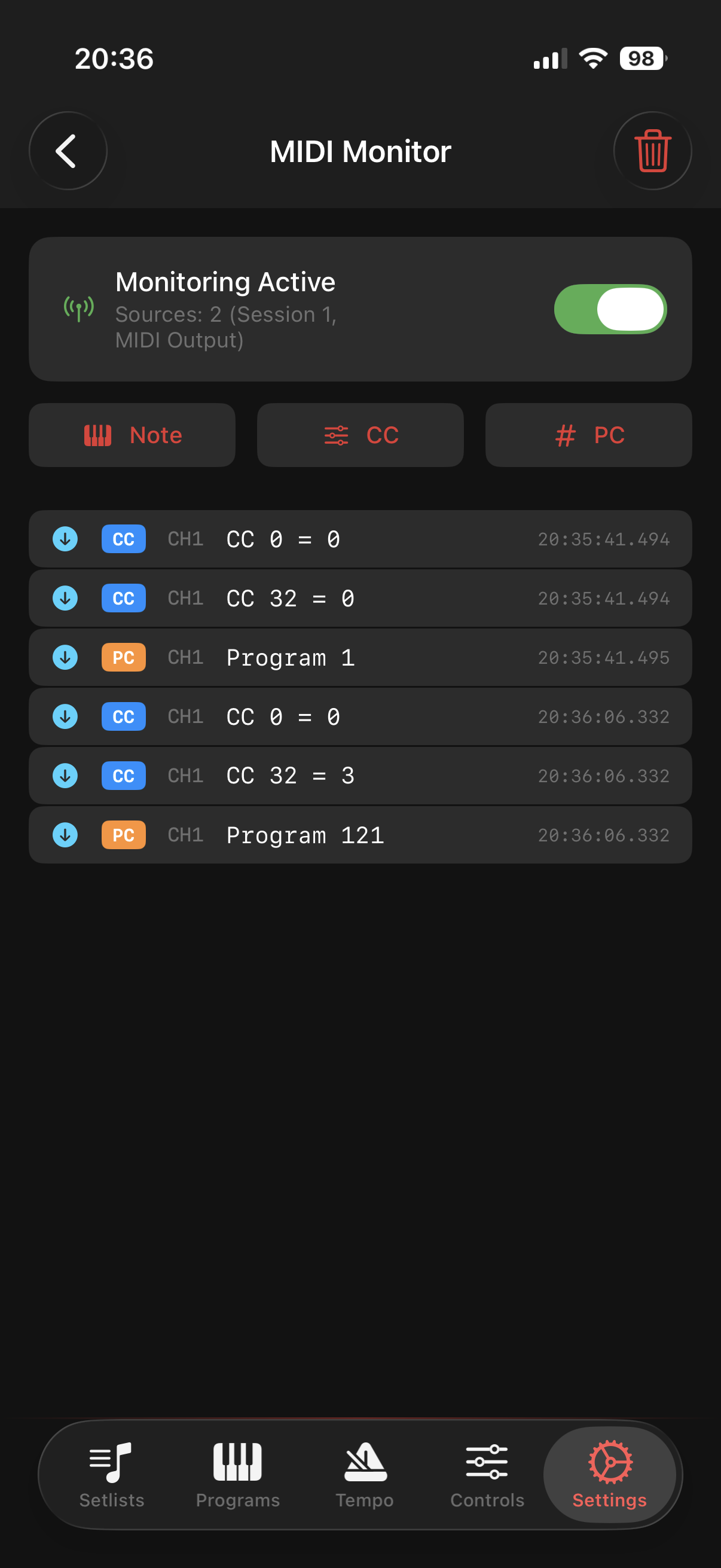
MIDI Monitor
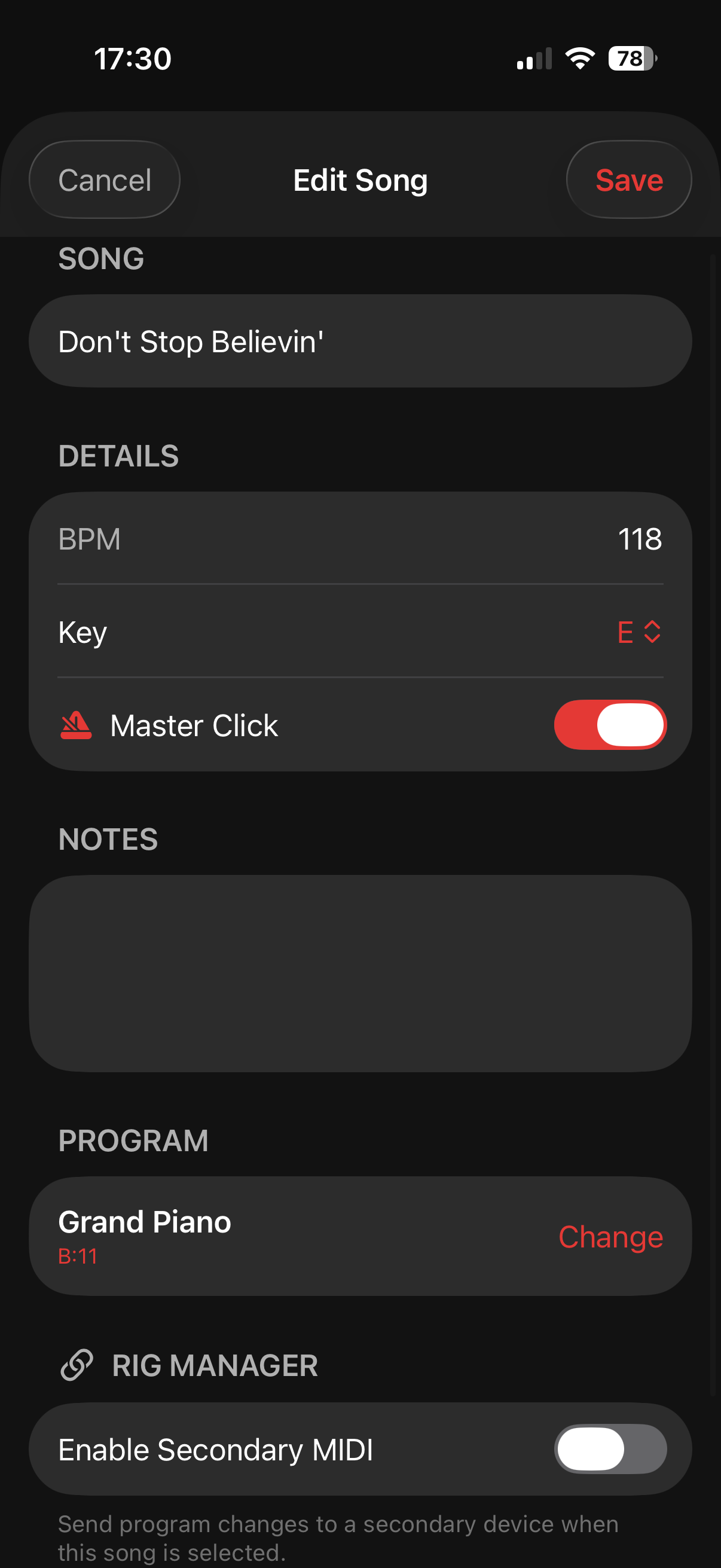
Add Song
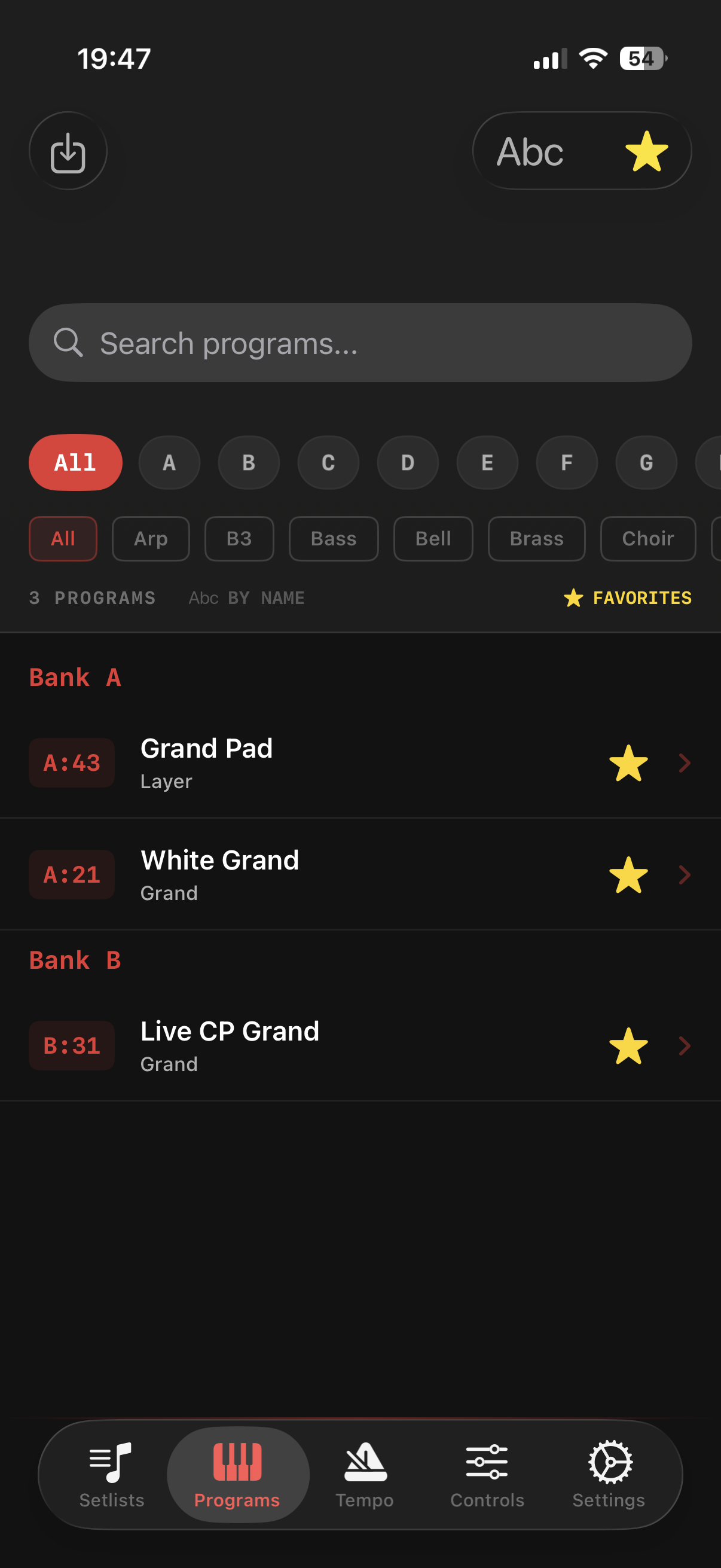
Favorites
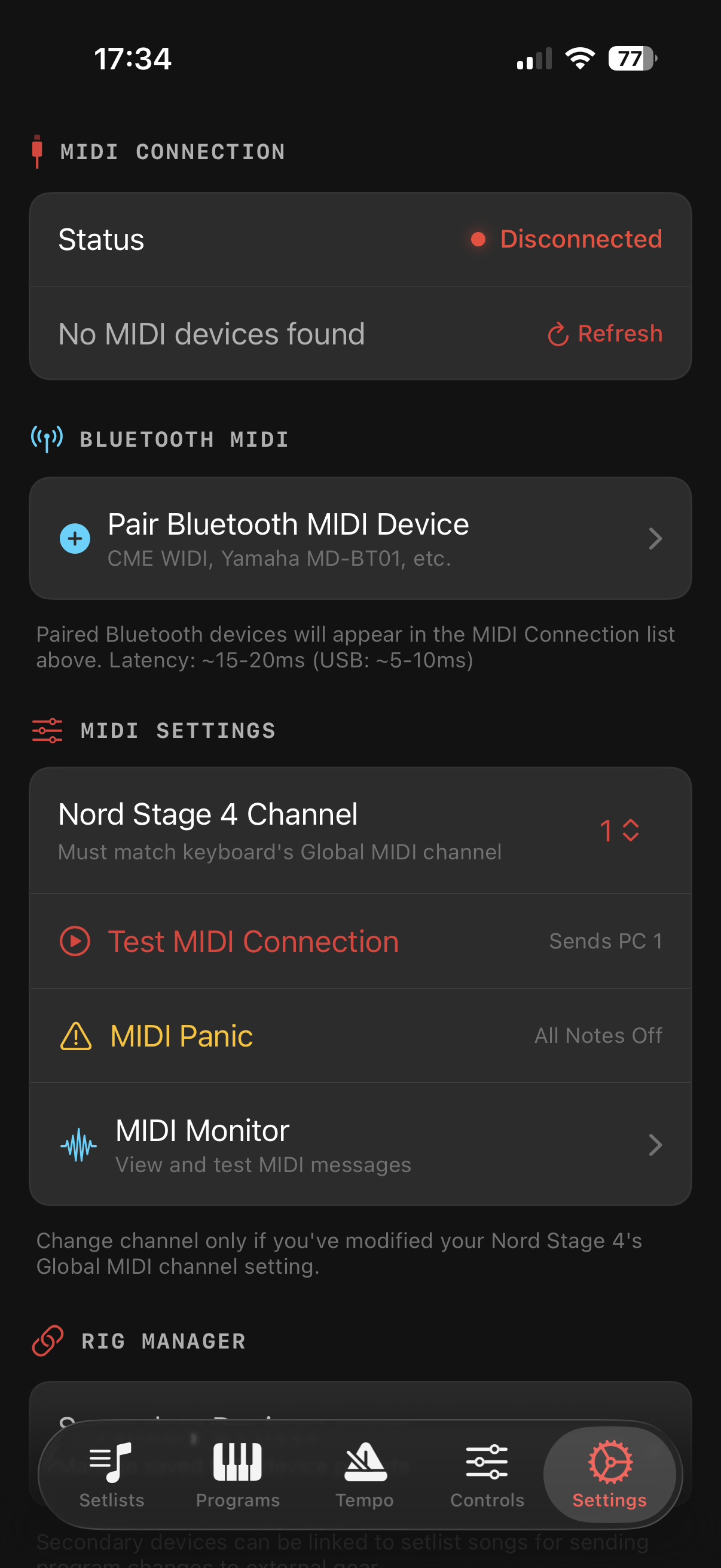
Settings
Everything You Need
From setlist management to deep MIDI control, Stage Companion gives you the tools you need.
Setlist Management
Create unlimited setlists with songs, program selections, BPM, and performance notes.
Performance Mode
Full-screen stage-ready interface with large touch zones for seamless song navigation.
Master Click
Per-song metronome with auto-start, MIDI clock sync, and multiple time signatures.
Extended MIDI Controls
Organ drawbars, synth filters, effects, and a versatile Morph Pad for expressive control.
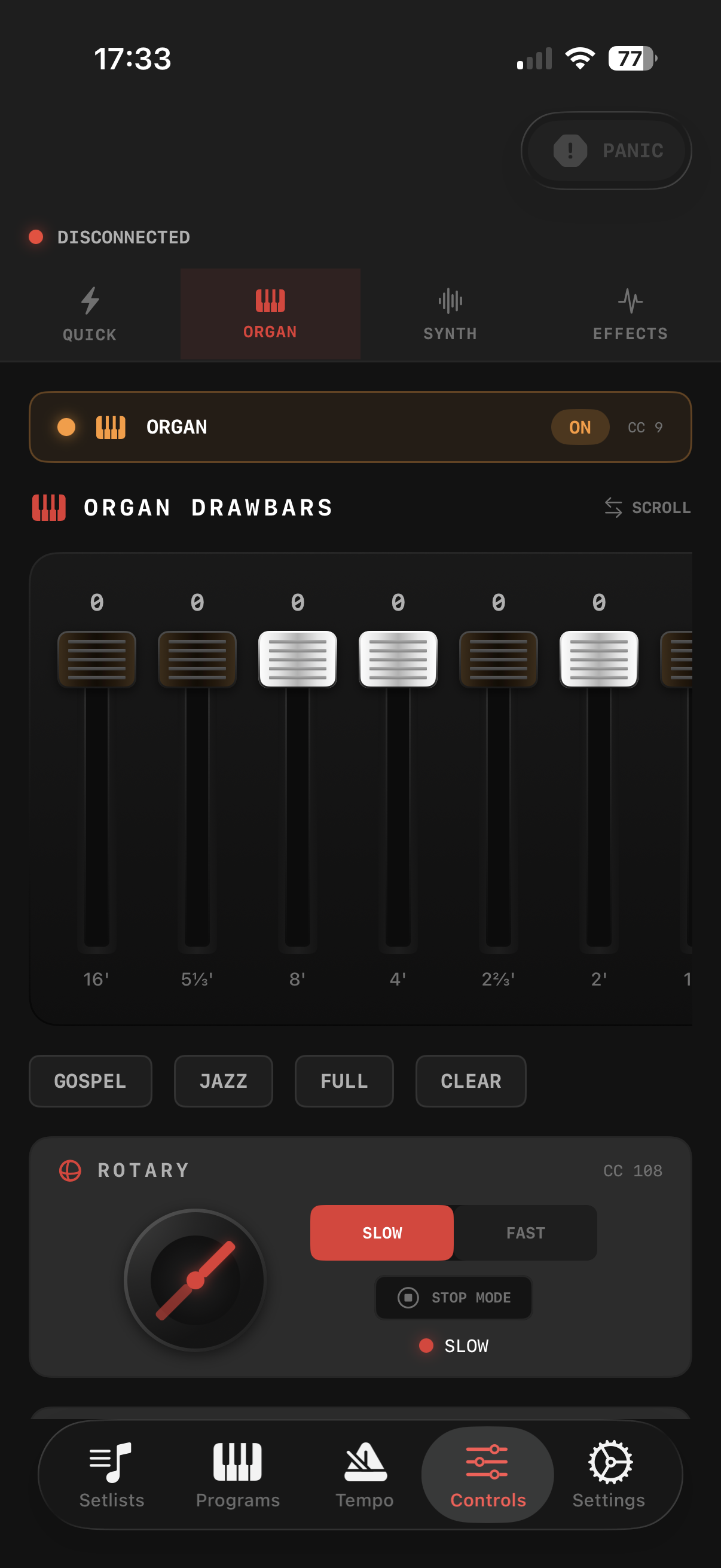
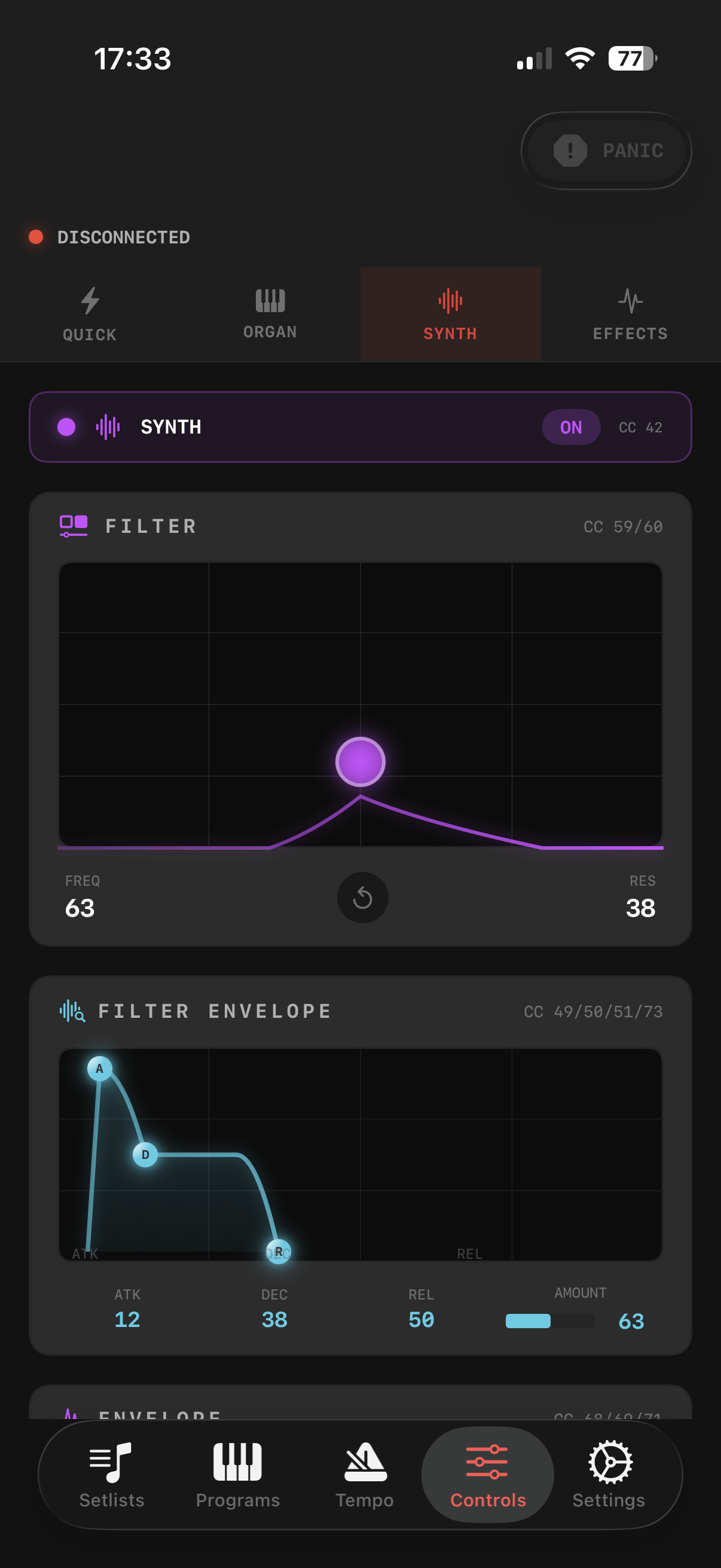
Deep MIDI Control
Access controls that aren't available from the keyboard itself. Adjust organ drawbars with presets, tweak synth filter parameters with an XY pad, and control effects in real-time.
Perfect Timing, Every Gig
The integrated metronome starts automatically with each song. Set BPM per song, choose your time signature, and send MIDI clock to sync arpeggiators and delays.
- Auto-start metronome when navigating songs
- 24 PPQN MIDI clock for perfect arpeggiator sync
- 7 time signatures from 2/4 to 8/4
- Quarter, eighth, and sixteenth subdivisions
- Audio click with adjustable latency offset
Factory Presets Library
Get all 384 factory presets for the Nord Stage 4 loaded into Stage Companion instantly. Browse, search, and assign presets to your songs without manually capturing each one via MIDI.
How to Import
- 1 Download the fileSave it to your iPhone or iCloud Drive
- 2 Open Stage CompanionGo to Settings → Programs
- 3 Import Preset ListTap "Import Preset List" and select the file
- ✓ Done!All 384 presets are ready to browse and assign
Ready to Upgrade Your Performance?
Download Stage Companion and take control of your keyboard like never before.